Master Snap Layouts in Windows 11 for Productivity
Published on: 08/05/2026
Learn how Windows 11's Snap Layouts can enhance productivity by organizing your workspace efficiently.
Windows 11Snap LayoutsProductivityWindows TipsApp ArrangementWorkflowTech Guide
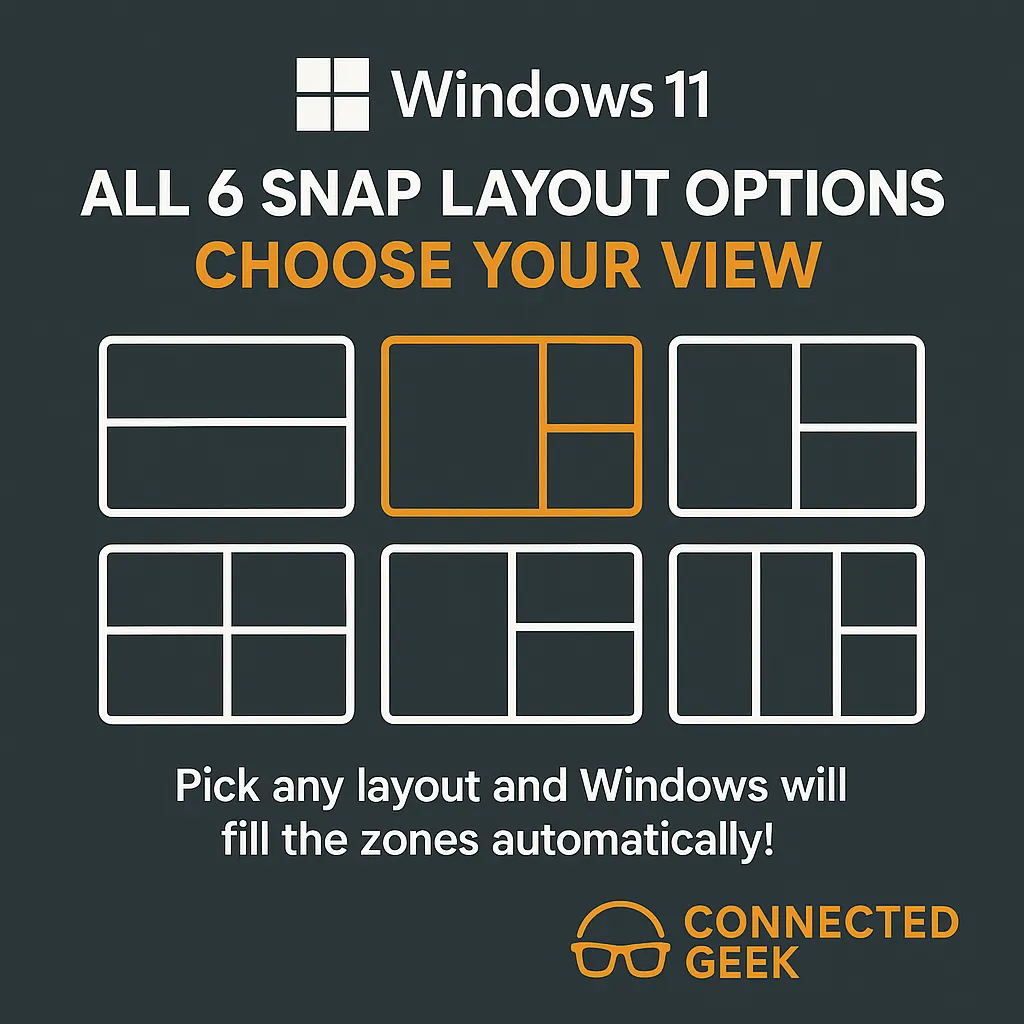
Boost Productivity with Windows 11 Snap Layouts
Published on: 08/05/2026
Discover how Snap Layouts in Windows 11 enhance multitasking and productivity.
Windows 11Snap Layoutsmultitaskingproductivitydesktop organizationWindows features
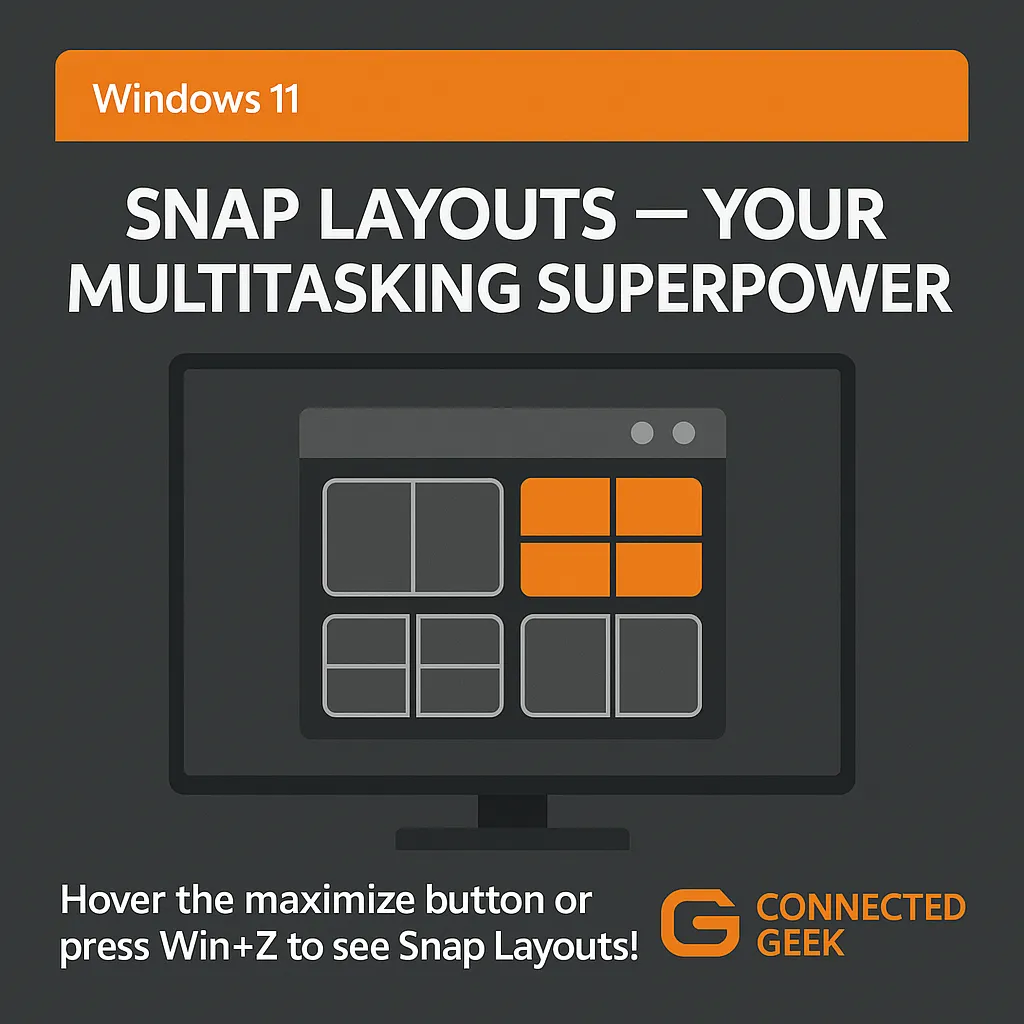
Snap Layouts in Windows 11: Multitask Like a Pro with Win+Z
Published on: 04/05/2026
Press Win+Z on any window to see Snap Layout options and instantly arrange multiple apps side by side — no manual resizing ever again.
Windows 11Snap LayoutsmultitaskingWin+Zside by side apps
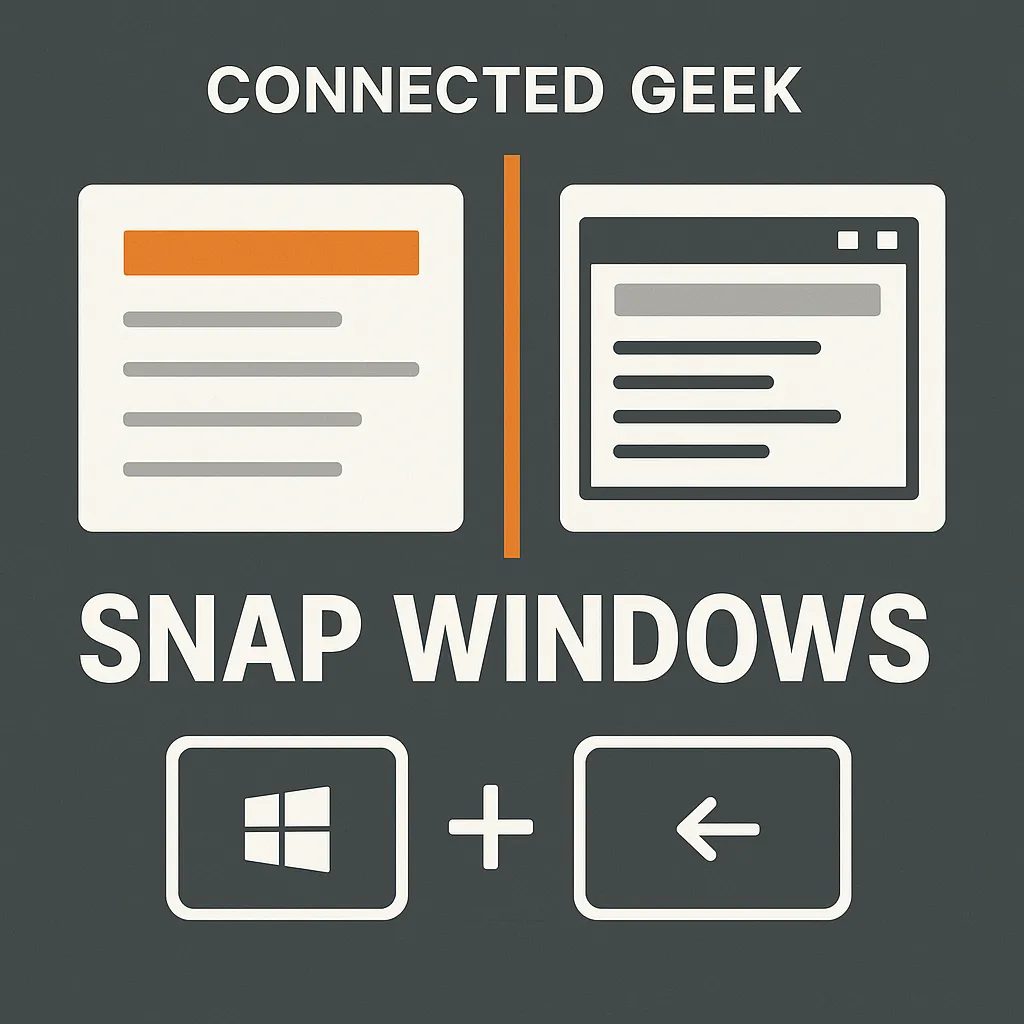
Snap Windows in Windows 11 with Win+Arrow Shortcuts
Published on: 02/05/2026
Learn to multitask efficiently in Windows 11 using Win+Arrow shortcuts for seamless window snapping.
Windows 11snap windowsWin+Arrowkeyboard shortcutsSnap LayoutsmultitaskingConnectedGeek